Shibuya
16 standpoints
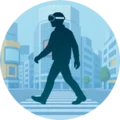
Wait at the curb of the famous crossing until the lights change, then walk on to the station square and the side streets of Udagawachō.
- Shibuya Crossing
- Shibuya Station
- Udagawachō
- SHIBUYA109
Four real districts in 3D 180° video, filmed on location. Stand on a street corner, look around, then choose where to go next.

For Apple Vision Pro with visionOS 26 or later
The trailer shows the app as a flat video. In the headset, the same streets surround you in 3D, and you decide which corner comes next.
The trailer plays from YouTube once you start it. Trailer, clips and stills to download
92 connected standpoints, each filmed in three directions. Follow the recommended route or find your own way. The start of every district is free.
16 standpoints
Wait at the curb of the famous crossing until the lights change, then walk on to the station square and the side streets of Udagawachō.
23 standpoints
Shop signs stacked up to the roofs, the gate to Kabukichō and the streets around the busiest station in the world.
25 standpoints
Stand under the giant red lantern of the Kaminarimon, follow the stalls of Nakamise-dōri and reach the main hall of Sensō-ji.
28 standpoints
Electric Town: giant screens above the station, arcades on every corner and the shops along Chūō-dōri.
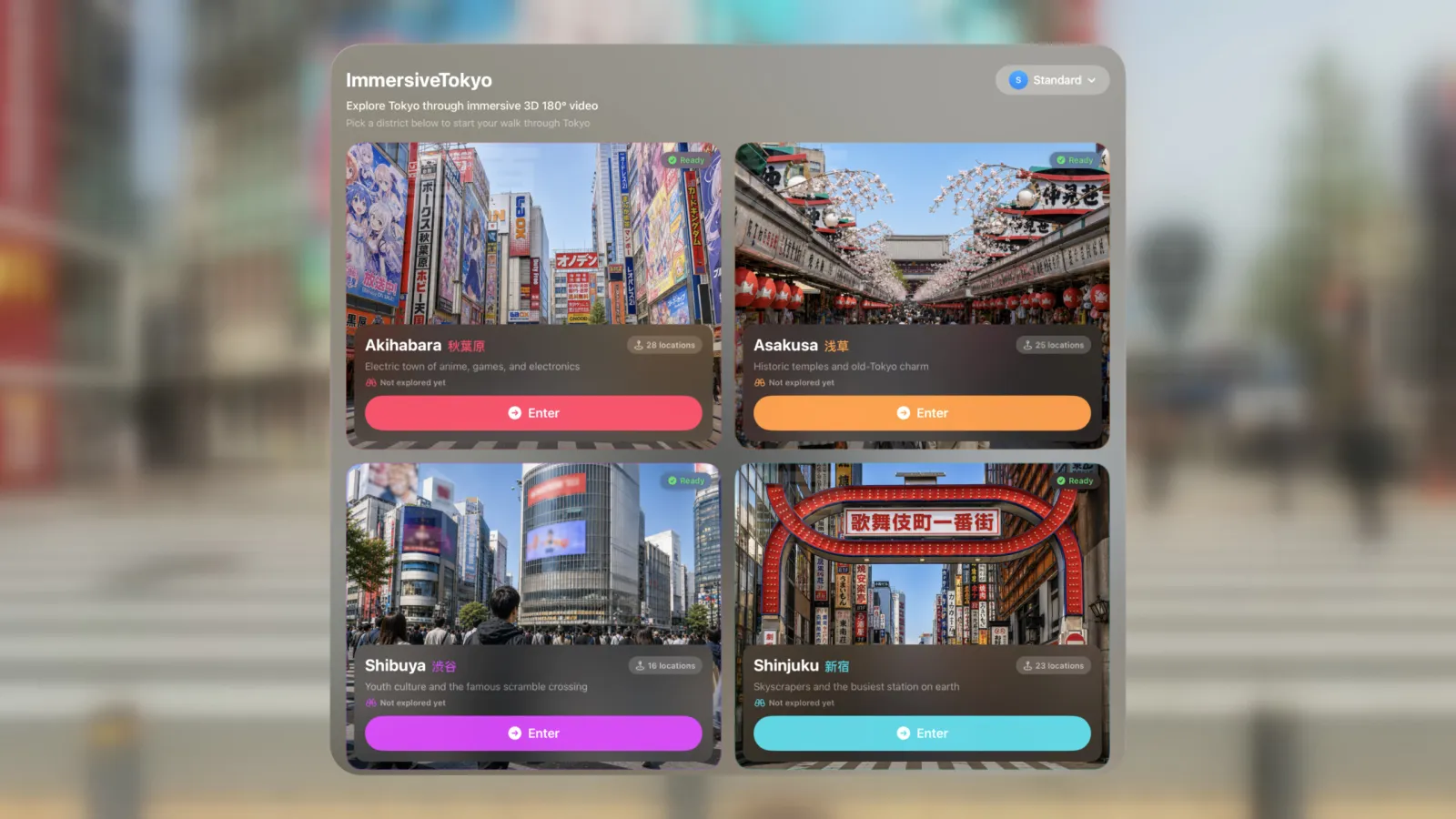
Start in Shibuya, Shinjuku, Asakusa or Akihabara. Each district downloads in the background while you begin.
Every standpoint was filmed in three directions. A small hand gesture turns the view, so you never have to turn around in your seat.
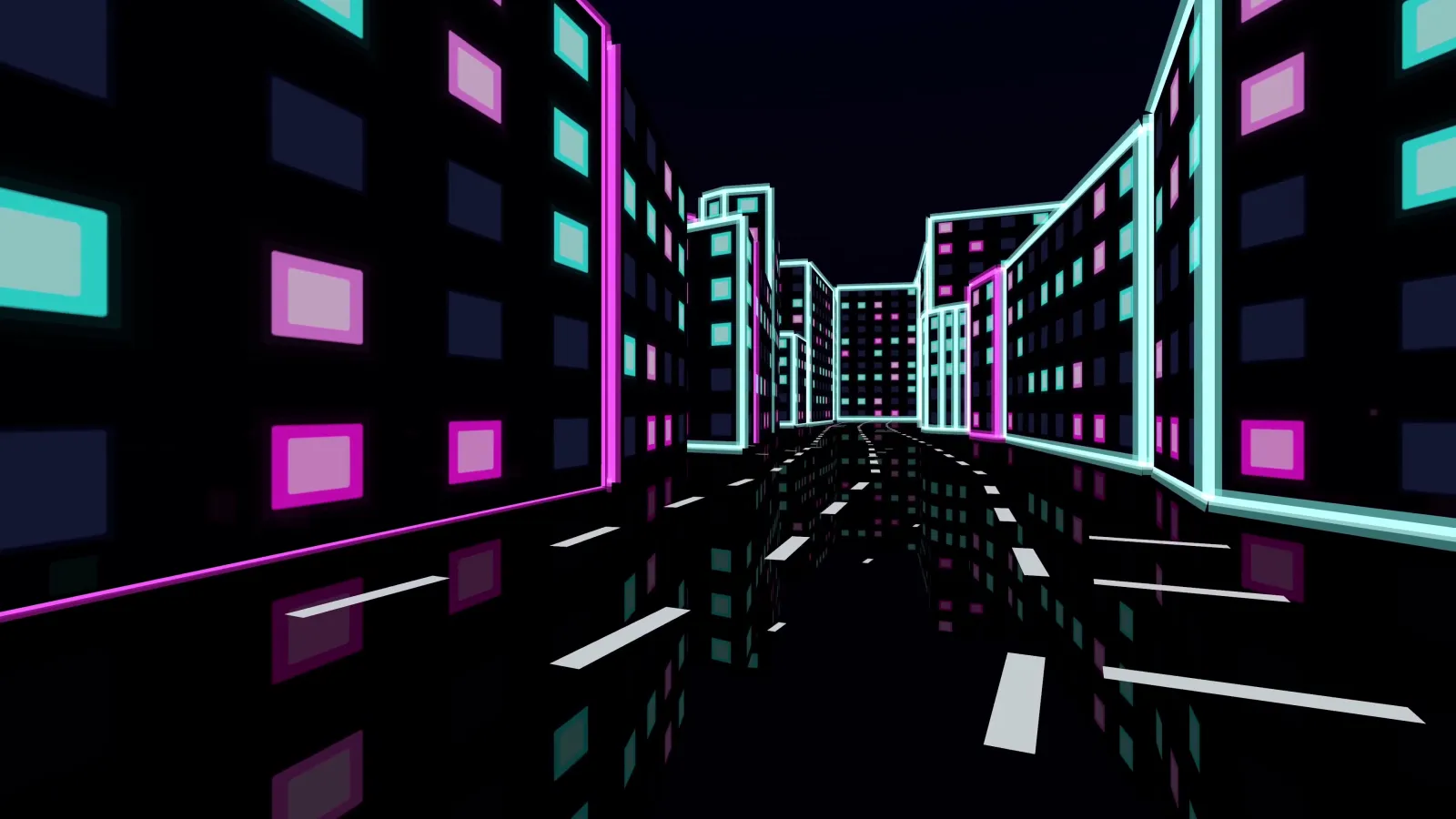
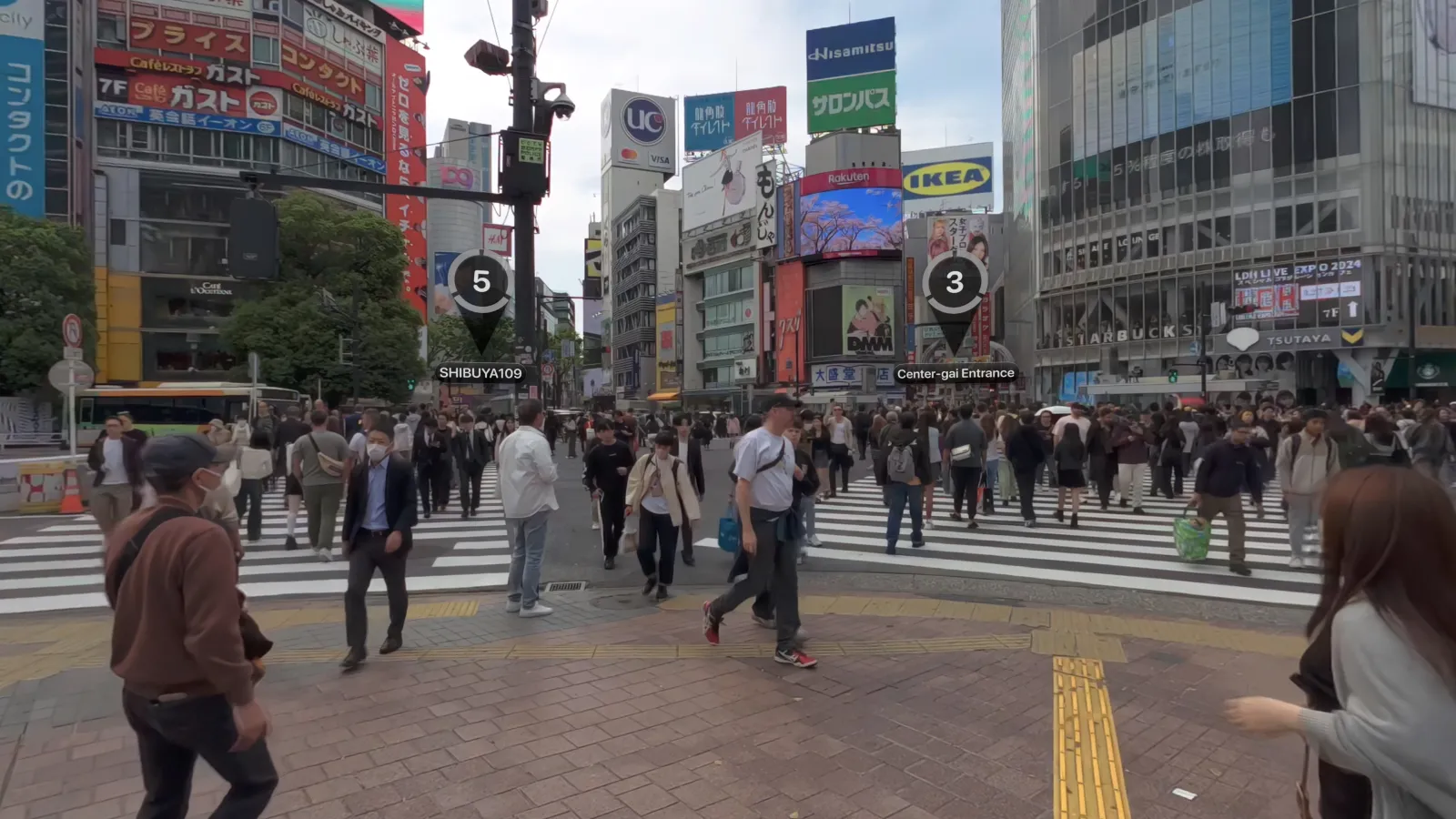
Tap a numbered pin to move to the next corner. On the way, an outline of the city built from real map data keeps you oriented, and only a small circle of video stays visible during turns.
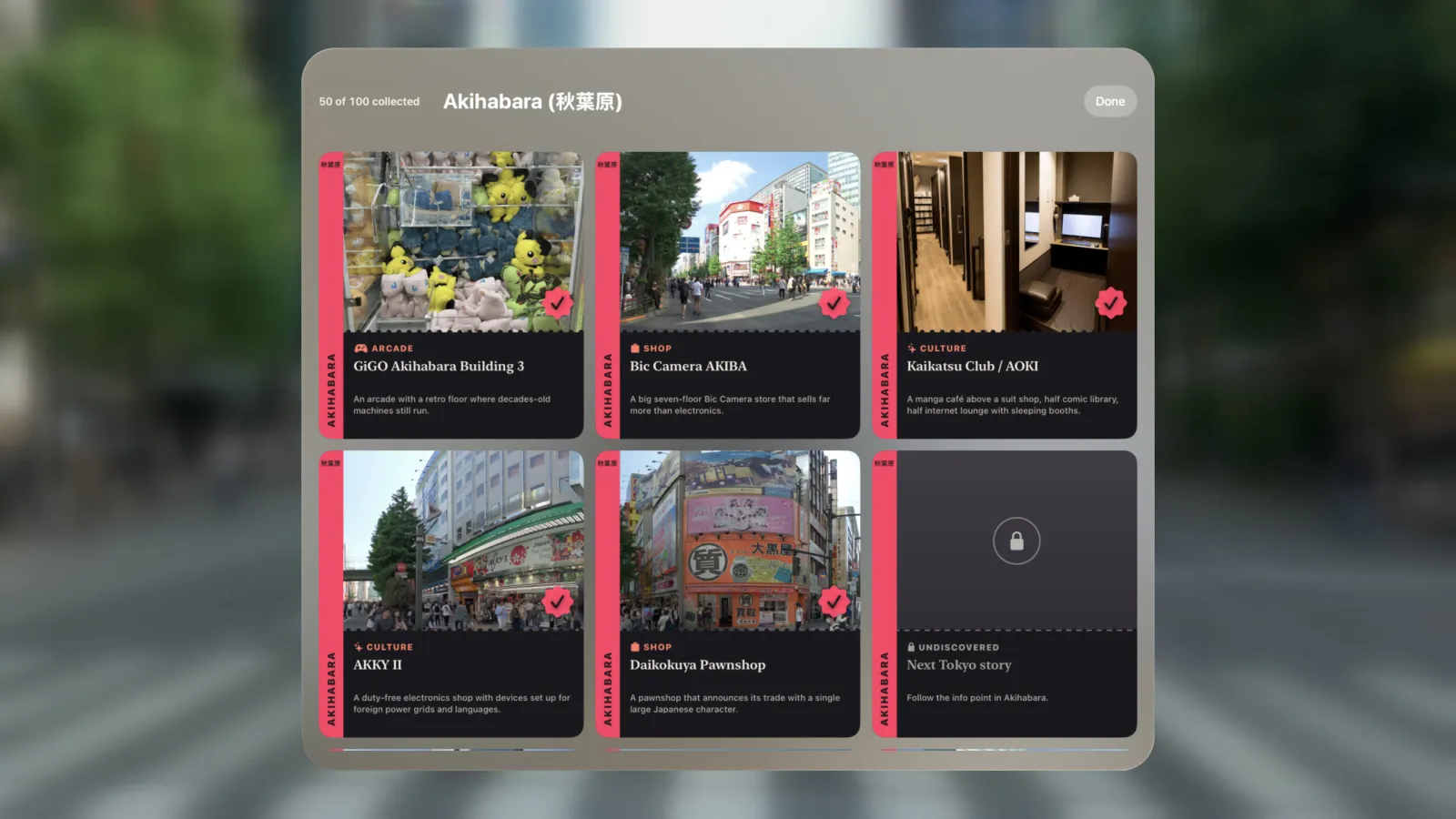
About 500 info markers tell you what you are looking at: a temple gate, a shop, a side street. Every place you read about becomes a card in your album.
I’m genuinely impressed by what you’ve created! … You can clearly see the amount of effort and passion that has gone into building this experience.
The app is well made all round. The video quality is very good, just one step below what Apple produces itself, and the controls, the waiting room and the gamification are real fun.
I thought it would be like a 3D movie or the old VR headsets. Not at all: it feels like really being there. And although I get sick very quickly, I hardly felt any motion sickness.
Wow, it’s like I’m in Tokyo, I’m actually walking around Tokyo! Thanks for letting me experience this. Now I really want to go there.
You don’t just stand in Tokyo, you start to understand the city. The cultural background told me more about Japan than I expected.

I love Japan. Many people around me want to see Tokyo too, but can’t make the trip: it costs too much, takes too long, or they are too ill to travel. Immersive Tokyo is as close as I could get to taking them there.
In spring 2025 I spent three weeks in Tokyo with a small 3D camera and filmed at different places every day: more than 400 recordings, about 20 hours of footage. Back home, the hardest part was making it feel like being there without feeling sick. So you stand at real places, and every move between them went through many versions until it felt right.
It took me about a year and a half on my own. Now it’s ready, and I’d love to show you around.
Cihat Gündüz, indie developer from Germany
Walk the first corners of every district before you decide. Unlocks are one-time purchases, with no subscription.
The start of every district and its direct neighbours: 15 standpoints across all four districts.
Unlock every standpoint of the district you like most.
Unlock Shibuya, Shinjuku, Asakusa and Akihabara together in one purchase.
An Apple Vision Pro with visionOS 26 or later. Immersive Tokyo is made for the headset: the footage surrounds you in 3D.
The app itself is about 375 MB. Each district is a separate download of about 10 to 20 GB, hosted by Apple and loaded place by place, so it picks up where it stopped. A fast Wi-Fi connection helps.
You stand still at every place. When you turn or move to the next corner, everything goes dark except a small circle in the middle, over an outline of the city. These transitions were refined over many versions to keep your sense of direction and reduce dizziness.
Yes. Everyone gets a profile with their own progress and card album, and Guest Mode keeps a quick visit separate.
English, German, Turkish, French, Spanish, Japanese, Korean, Simplified Chinese and Traditional Chinese, including the stories behind all info markers.
Write to tokyo@fline.dev. Press and creators find texts, images and videos in the press kit.
Free to try on Apple Vision Pro.
For Apple Vision Pro with visionOS 26 or later